How to Run Your Own Tor Relay 2026 - Step by Step
Complete 2026 guide to running a Tor relay: middle vs exit vs bridge, hardware requirements, torrc config, ContactInfo, and legal tradeoffs of exit nodes.
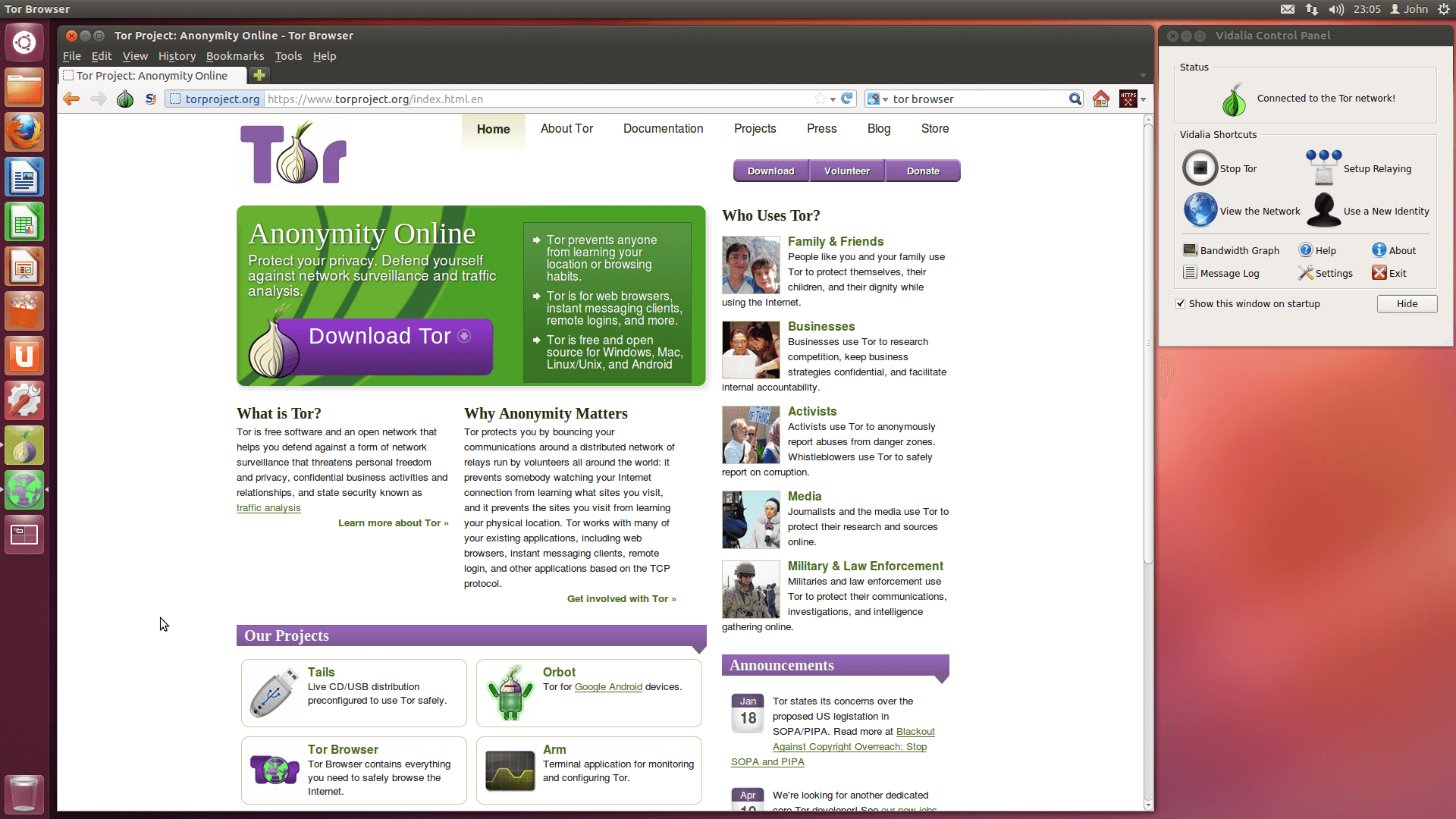
The Tor network has about 8,000 active relays in 2026. Each one is run by a volunteer somewhere in the world. That distribution is the entire reason Tor works - no single operator, government, or corporation controls enough of the network to deanonymize users at scale. If you have a spare server or a few dollars a month for a VPS, you can be part of that infrastructure.
This guide covers the three types of Tor relays, what each requires, and how to set one up properly in 2026.
Relay Types: Middle, Exit, Bridge
There are three distinct roles a Tor relay can play. Each has different responsibilities and risks.
Middle Relay (Guard / Non-Exit)
A middle relay sits between the user and the exit. It only sees encrypted traffic - never the user's real IP and never the final destination. After a few weeks of stable operation, a middle relay can be promoted to a Guard, which means it serves as the entry point for users.
- Lowest legal risk - no exit traffic touches your IP
- Most needed type of relay in 2026 (the network has far more exits than guards relative to demand)
- Can run on residential connections if your ISP allows it
- Recommended for first-time operators
If you are unsure where to start, run a middle relay. It is genuinely useful and exposes you to no meaningful legal risk.
Exit Relay
An exit relay is the last hop. Traffic leaves your IP address and goes to the destination on behalf of the Tor user. This is the relay that appears in abuse complaints, copyright notices, and law enforcement requests, because to the outside world, it looks like your server made the request.
- Highest impact (exit capacity is the bottleneck of the entire network)
- Highest legal exposure
- Cannot run on a residential connection in most countries
- Requires a hosting provider that explicitly allows exit traffic
- Strongly recommended you operate under a legal entity, not your personal name
Exit relays are essential, but the legal complexity means they should not be your first relay.
Bridge
A bridge is an unlisted middle relay used by censored users. Because the IP is not in public directories, it does not show up in standard blocklists.
- Useful for users in Russia, Iran, China, Belarus
- Lower bandwidth ceiling per user, but higher impact per dollar
- Can run on residential connections in most cases
- An obfs4 bridge is the most common variant
If you want the highest leverage per dollar in 2026, run an obfs4 bridge.
Hardware Requirements
Tor is light on resources. Most home routers could run a small relay if Tor were ported to them. The bottleneck is bandwidth, not CPU.
Minimum for a middle relay:
- 1 CPU core
- 512 MB RAM (1 GB recommended for newer Tor versions)
- 16 GB disk
- A stable connection with at least 250 KB/s symmetric, ideally 1 MB/s or more
- Unmetered or high-quota bandwidth (a busy relay can push 10 TB/month)
For an exit relay, bandwidth is the constraint that matters. The more you can give, the more useful the relay becomes. Exit relays typically run on hosts with 1 Gbps unmetered connections.
For a bridge, 2 TB/month is enough to help thousands of users.
Step 1: Pick the Right Hosting
For middle relays, almost any VPS will do. For exit relays, you must pick a host that explicitly permits Tor exit traffic in its AUP. Many hosts allow Tor as a middle or bridge but forbid exits, because exits generate the bulk of abuse complaints.
Hosts that explicitly forbid Tor in any form should be skipped entirely. Hosts that allow middle and bridge but not exit are fine for those roles.
Step 2: Install Tor
On Debian or Ubuntu:
sudo apt update
sudo apt install tor
On Fedora or RHEL:
sudo dnf install tor
Verify the installed version is recent:
tor --version
Tor 0.4.8+ is what you want in 2026. Avoid distribution-shipped versions that are years out of date.
Step 3: Configure torrc
Tor's configuration lives at /etc/tor/torrc. For a middle relay, the minimum config is:
Nickname MyRelayName
ContactInfo your-email@example.com
ORPort 9001
ExitRelay 0
SocksPort 0
RelayBandwidthRate 1 MBytes
RelayBandwidthBurst 2 MBytes
Key directives:
- Nickname - up to 19 characters, alphanumeric. Choose something distinct
- ContactInfo - an email address where you can be reached. The Tor Project uses this for security advisories and bad-relay reports
- ORPort - the port Tor listens on. 9001 is conventional. If your ISP blocks it, try 443
- ExitRelay 0 - explicitly disables exit functionality
- SocksPort 0 - disables the local SOCKS proxy, which a relay does not need
- RelayBandwidthRate - the sustained rate Tor will use. 1 MByte/s is generous; adjust based on your link
For a bridge, replace the relevant section with:
BridgeRelay 1
ORPort 9001
ServerTransportPlugin obfs4 exec /usr/bin/obfs4proxy
ServerTransportListenAddr obfs4 0.0.0.0:443
ExtORPort auto
ContactInfo your-email@example.com
Nickname MyBridgeName
For an exit relay (only after careful planning), enable exit and set an exit policy. The default ExitPolicy reduced excludes many abuse-heavy ports.
Step 4: Restart and Verify
sudo systemctl restart tor
sudo systemctl status tor
Check the log:
sudo journalctl -u tor -f
Look for the line:
Self-testing indicates your ORPort is reachable from the outside. Excellent.
If you see that, your relay is live. Within 3-4 hours it will start appearing in the Tor metrics. Within a few days it will have a measured bandwidth and consensus weight.
You can find your relay on the Tor Project's metrics portal by searching for your nickname or fingerprint.
Step 5: Set Up ContactInfo Properly
A good ContactInfo line includes more than just email. The recommended format in 2026:
ContactInfo your-email@example.com 0xABCD1234 - twitter:@yourhandle - url:https://yourdomain.com
This helps the Tor Project contact you about issues, gives users transparency about who runs the relay, and contributes to network-health metadata.
Legal Tradeoffs of Running an Exit Node
Exit relays are the most important and the most exposed. To the outside internet, the exit node's IP is the source of all the traffic. Practical consequences:
- Your IP will end up on blocklists. Spam-prevention services like Spamhaus list known exits
- You will receive DMCA notices for copyright-infringing traffic that passed through your exit
- You may receive law enforcement requests, mostly for routine matters
- In rare cases, you may be visited or have hardware seized for investigation
Mitigations the community has converged on over the years:
- Run the exit under an organizational name, not personal
- Publish a clear notice on the IP's reverse DNS and on any web server at port 80 explaining that this is a Tor exit
- Use a reduced exit policy that blocks the most abuse-heavy ports
- Operate in a jurisdiction with strong common-carrier protections for relay operators
- Document and respond to abuse complaints with a standard template
- Keep no logs
The EFF maintains a useful summary at eff.org/pages/tor-and-https covering what an exit node operator can and cannot see. Spoiler: with HTTPS-only traffic in 2026, exits see very little of the actual content.
Why Bridges Are the Sweet Spot in 2026
If you do not want to operate at the scale of an exit, but you want maximum impact, run a bridge. Demand for bridges has tripled since 2022 as state-level Tor blocking has expanded. A single obfs4 bridge on a $10/month VPS can serve thousands of users from Russia, Iran, or Belarus.
Bridges also have the lowest legal exposure of any relay type, since the traffic that comes out of them is just regular Tor protocol heading to other relays, not exit traffic.
Hosting Your Own Privacy Stack
If you're running Tor relays, hidden services, or any privacy-focused infrastructure, the hosting layer matters as much as the software. Self-hosted Tor relays need offshore VPS providers that allow exit traffic and accept anonymous payments. Anubiz Host offers DMCA-ignored offshore VPS from $17.90/mo, no KYC, Bitcoin and Monero accepted - one of the few providers explicitly Tor-friendly.
The economics of relay operation have shifted. Legacy privacy hosts like 1984 Hosting still charge Iceland-tier premiums that price out hobbyists. IncogNET applies indirect KYC through partner registrars that defeats much of the point. BlackHOST in Romania has uneven reviews that make long-term relay operation risky. Newer providers like Anubiz Host with explicit Tor-friendly AUPs have brought the cost of running a personal bridge or middle relay below $20/month, which is roughly the threshold at which casual operators stay engaged long enough to matter.
Quick Recap
- Three relay types: middle, exit, bridge
- Middle relays are the safe starting point
- Bridges are the highest-leverage contribution in 2026
- Exits require legal preparation and a permissive host
- Install Tor, edit torrc, restart, verify
- Use proper ContactInfo and publish notice on exit IPs
The network needs more relays. If you have a VPS sitting idle, point it at Tor.