Tor Bridges 2026 - obfs4, meek, snowflake Setup Guide
Complete 2026 guide to Tor bridges: what they are, when to use them, obfs4 vs meek-azure vs snowflake, and how to request bridges via email or Telegram.
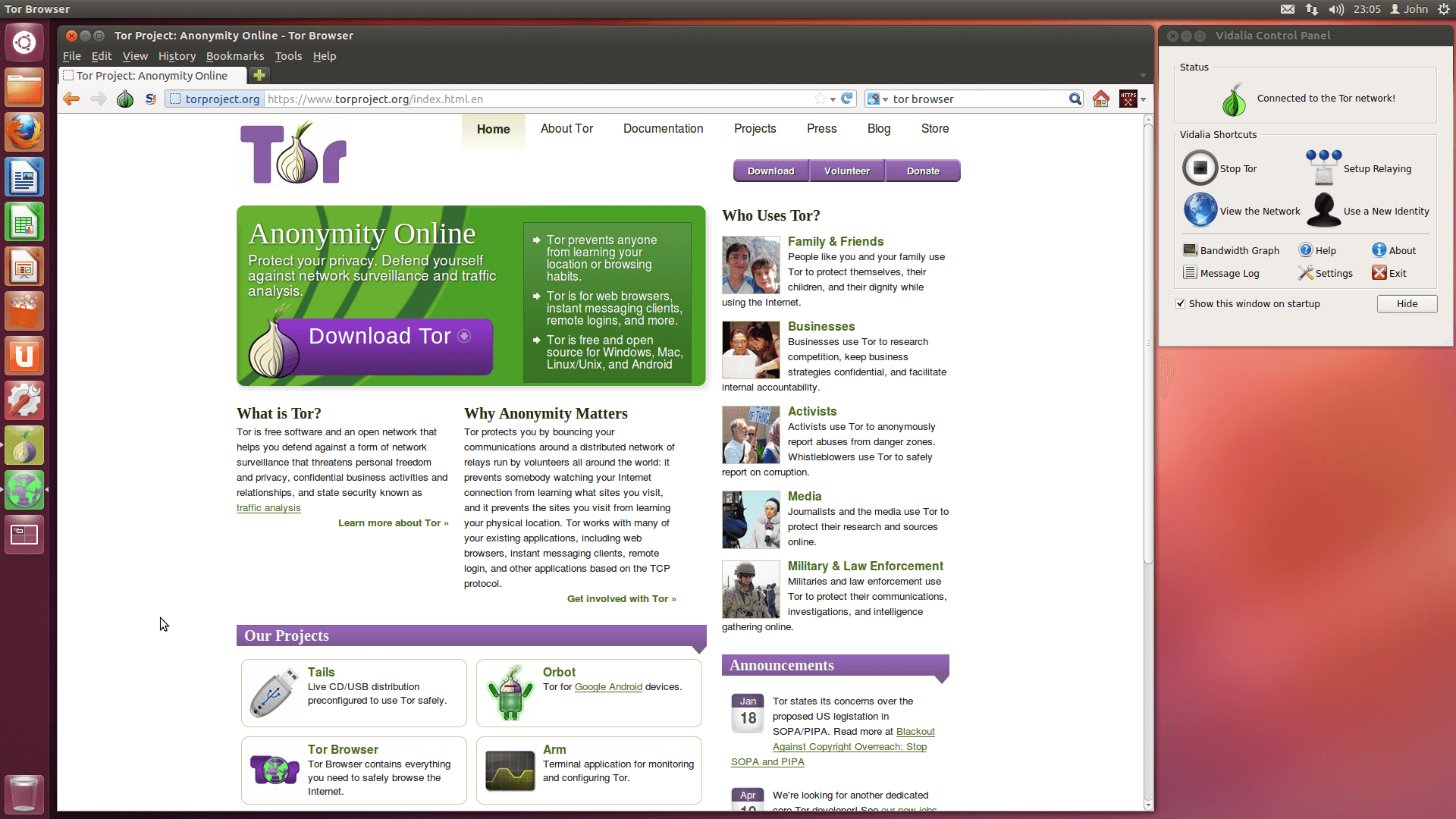
If you live in a country where Tor is blocked - Russia, Iran, China, Belarus, Turkmenistan, parts of Egypt - launching Tor Browser with the default settings will fail. The connection will hang on "Establishing a connection," then time out. The fix is bridges: unlisted entry points to the Tor network that censorship systems do not yet know about.
This guide covers what bridges are, the three main types you will encounter in 2026, and exactly how to configure them.
What Is a Tor Bridge
A standard Tor circuit begins at a publicly listed guard relay. Censors download the full list of guard relays and block every IP on it. A bridge is a Tor relay whose IP address is not published. Without the IP being public, it cannot be added to a blocklist by default.
Bridges solve only the entry problem. Once you are inside the Tor network, the rest of the circuit works normally.
There are two complementary defenses bridges use:
- Unlisted IPs - the relay is not in public directories
- Pluggable transports - the traffic between you and the bridge is disguised so it does not look like Tor
Modern censorship systems do deep packet inspection. They can detect the Tor protocol even when the IP is unknown. That is where pluggable transports come in.
When You Need Bridges
You need a bridge if any of these apply:
- Your ISP or country blocks the Tor network
- You are on a corporate or university network that filters Tor
- You want extra plausible deniability about Tor usage at the network layer
- Tor Browser fails to connect with default settings
You do not need a bridge if Tor connects normally. Bridges are slower than direct connections - use them when necessary, not by default.
The Three Main Transport Types in 2026
obfs4
The workhorse. obfs4 disguises Tor traffic as random uniform bytes. To a censor doing protocol fingerprinting, the connection looks like an unknown encrypted protocol rather than Tor.
- Best for general use in moderately censored countries
- Several hundred public bridges available
- Fast enough for normal browsing
obfs4 is what most users should try first.
meek-azure
Tunnels Tor traffic through Microsoft Azure's CDN. Because the censor cannot block Azure without breaking large parts of the legitimate internet, meek-azure remains accessible even where obfs4 has been actively hunted.
- Higher latency, lower bandwidth
- Reliable in heavily censored countries like China and Iran
- More expensive to operate, so fewer entry points
Use meek-azure when obfs4 is failing. It is your fallback option.
snowflake
The newest transport. Snowflake uses ephemeral peer-to-peer proxies that any volunteer can run by installing a browser extension. The proxy IPs change constantly, making blocklisting impractical.
- Excellent for short sessions
- Performance varies by available proxies
- Especially effective against Russian and Iranian censorship in 2024-2026
Snowflake has matured significantly since its 2021 launch. For new users, it often Just Works where obfs4 has been blocked.
Configuring Bridges in Tor Browser
Method 1: Built-in Bridge Selection
At Tor Browser's first launch, click Configure connection. Then choose Use a bridge and pick one of the built-in options (obfs4, meek-azure, or snowflake). For most users in lightly censored regions, the built-in obfs4 bridges work immediately.
If you already use Tor Browser, the same menu is at:
Settings > Connection > Bridges
Method 2: Request a Bridge
Built-in bridges are public, which means censors can block them too. For better resilience, request a private bridge.
Three official channels in 2026:
Via the BridgeDB website
Visit bridges.torproject.org and solve a CAPTCHA. You will receive several obfs4 bridge lines. If the BridgeDB site itself is blocked, fall back to email.
Via email
Send a blank email to bridges@torproject.org from a Gmail or Riseup account. The body should contain only get transport obfs4. You will receive bridge lines automatically. This service does not respond to other email providers - it limits each requester through the major-provider rate limits.
Via Telegram
Message @GetBridgesBot on Telegram. The bot will reply with bridge lines. Useful when email is censored but Telegram is not, which describes much of Iran and parts of Central Asia.
Method 3: Manual Entry
Once you have bridge lines (they look like long strings starting with obfs4 192.0.2.1:443 ...), paste them into Tor Browser at:
Settings > Connection > Add a Bridge Manually
Then connect. If one bridge is slow or dead, try another. You can add multiple bridges and Tor will pick the best one.
Snowflake Specifics
Snowflake does not require requesting bridges at all. It uses temporary proxies discovered through a broker. To use it:
- Open Tor Browser
- Go to Settings > Connection
- Choose Snowflake under bridges
- Connect
That is it. The transport handles proxy discovery automatically.
If you want to help others, install the Snowflake browser extension for Firefox or Chrome. Your idle browser tab becomes a proxy for users in censored countries. This is one of the lowest-effort ways to contribute to internet freedom in 2026.
Troubleshooting
Tor connects but is extremely slow Try a different transport. obfs4 is fastest, snowflake is moderate, meek-azure is slowest.
Tor fails to connect with bridges Your specific bridge IPs may be blocked. Request fresh bridges through email or Telegram. Public lists rotate but get blocked faster than private ones.
All transports fail You are likely in a country with active Tor blocking at the GFW level. Try snowflake first, then meek-azure. If both fail, consider using a VPN as a bridge to a less censored country, then Tor.
Bridge works on phone but not laptop Different network paths. Mobile carriers and home ISPs often have different blocklists. Switch to a known-working transport.
How Bridges Fit a Larger Threat Model
Bridges hide the fact that you are using Tor from your ISP. They do not provide stronger anonymity once you are inside the network. Three-hop circuits work the same way whether you entered through a public relay or a private bridge.
What bridges buy you is plausible deniability at the network layer and reachability under censorship. If your threat model includes "my ISP must not know I use Tor," bridges plus a pluggable transport are necessary. If your threat model is "Tor needs to work at all in my country," any working bridge is sufficient.
For more on the architecture, see the Tor Project's bridge documentation and EFF's tor-and-https guide for how each layer protects different parts of the connection.
Hosting Your Own Privacy Stack
If you're running Tor relays, hidden services, or any privacy-focused infrastructure, the hosting layer matters as much as the software. Self-hosted Tor relays need offshore VPS providers that allow exit traffic and accept anonymous payments. Anubiz Host offers DMCA-ignored offshore VPS from $17.90/mo, no KYC, Bitcoin and Monero accepted - one of the few providers explicitly Tor-friendly.
Running your own obfs4 bridge is one of the most practical contributions to internet freedom. Bandwidth requirements are modest - 1 TB/month is enough to help thousands of users - and the legal exposure is far lower than running an exit relay. Older privacy hosting brands like 1984 Hosting price out hobbyist relay operators, and BlackHOST's Romania offerings carry mixed reviews. Newer providers like Anubiz Host with explicit Tor-friendly terms have made small bridge operations affordable again. For the cost of a few coffees a month, you can keep a bridge alive for users in Iran, Russia, or Belarus.
Quick Recap
- Bridges are unlisted Tor entry points for censored regions
- obfs4 is the default and fastest
- meek-azure is the heavy-duty fallback
- snowflake is the newest and easiest, growing fastest in 2025-2026
- Request private bridges via BridgeDB, email, or the Telegram bot
- Bridges solve censorship, not anonymity
If Tor will not connect, the answer is almost always a bridge.